
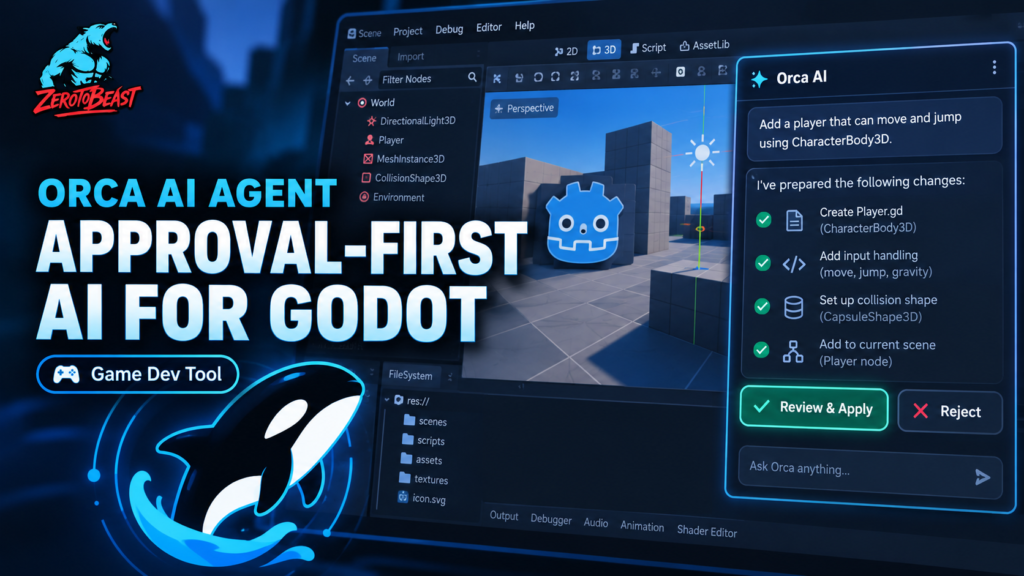
Orca AI Agent for Godot is a new kind of editor assistant with a refreshingly paranoid default: it can inspect your project and propose changes, but it does not get to quietly rewrite files just because a model sounded confident. Plan mode is read-only. Work mode can prepare changes, but file and structured project edits wait for an explicit Apply or Reject decision. For developers who like AI coding but dislike the “what did it just touch?” phase afterward, that design is the story. Open the Orca AI Agent for Godot listing and inspect the plugin.
The current official GitHub README identifies the project as Orca 1.1.1 with Godot 4.7.2 support. It is MIT licensed and supports OpenAI, Google Gemini, xAI, DeepSeek, OpenRouter and custom OpenAI-compatible endpoints. You bring your own provider and API key. More importantly, the project documents its limits unusually clearly, including plaintext local session history, non-persistent approval checkpoints after restart and verification that cannot prove visual gameplay correctness. See the Orca AI Agent for Godot asset page before installing.
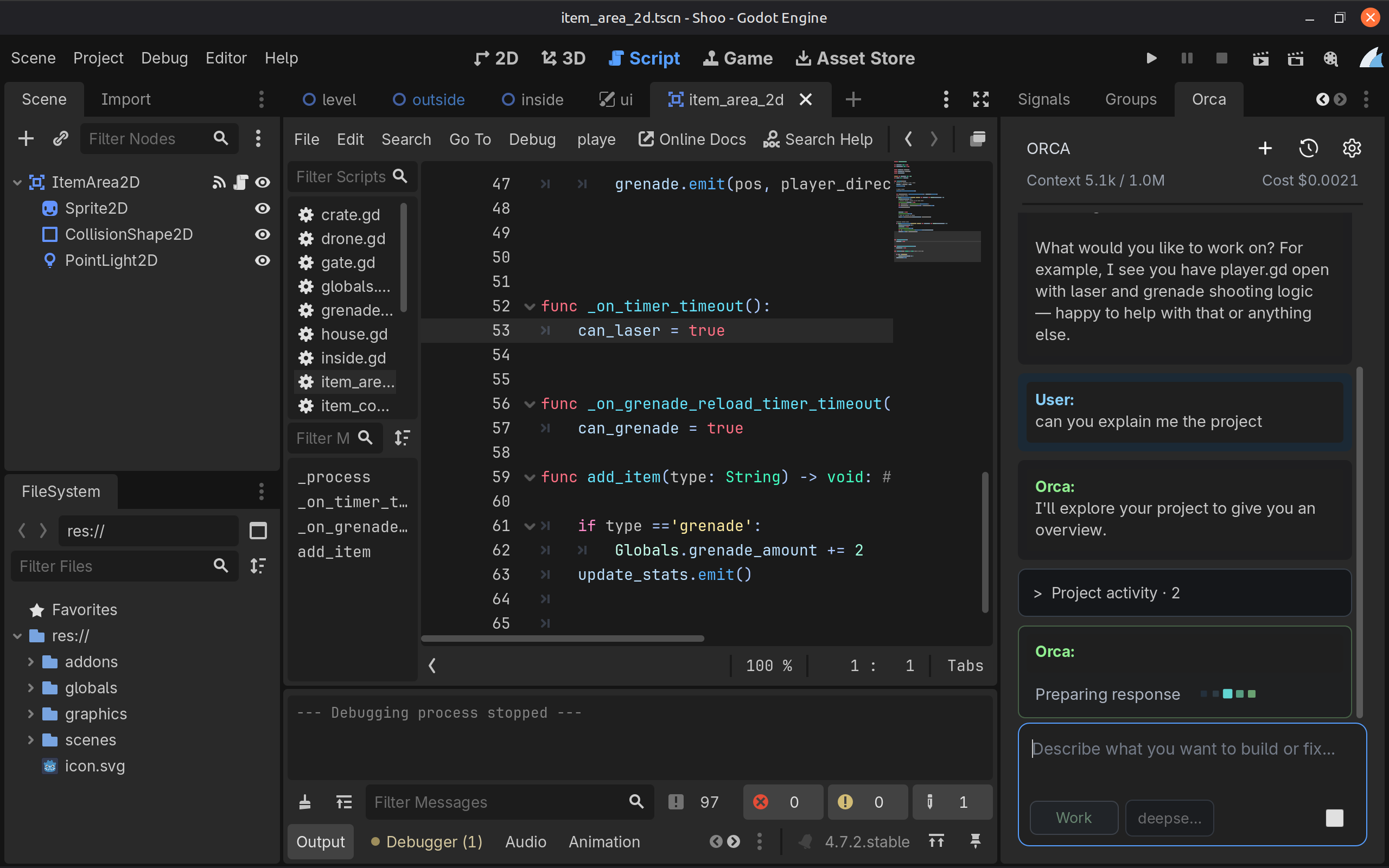
Orca AI Agent for Godot separates planning from writing
The cleanest idea in Orca AI Agent for Godot is the split between Plan and Work. Plan is explicitly read-only. The agent can inspect supported project files, scenes, diagnostics, editor context and selected project settings, but it cannot change project files or run the game. That makes it useful for “tell me what is wrong first” workflows where the developer wants a diagnosis before handing anything write access. Review Orca’s Plan mode and installation details.
Work mode expands what the agent can do, including preparing file edits, constrained scene changes, selected project-setting updates and running a saved scene in a bounded Orca-owned process. The important bit is that Work still does not equal automatic writes. Each model-requested change becomes a proposal that the developer can Apply or Reject. Proposed file edits are hash-bound and conflict-checked, so stale proposals can be rejected instead of bulldozing newer changes. Read Orca’s current safety model on GitHub.
The approval workflow is the feature, not a speed bump
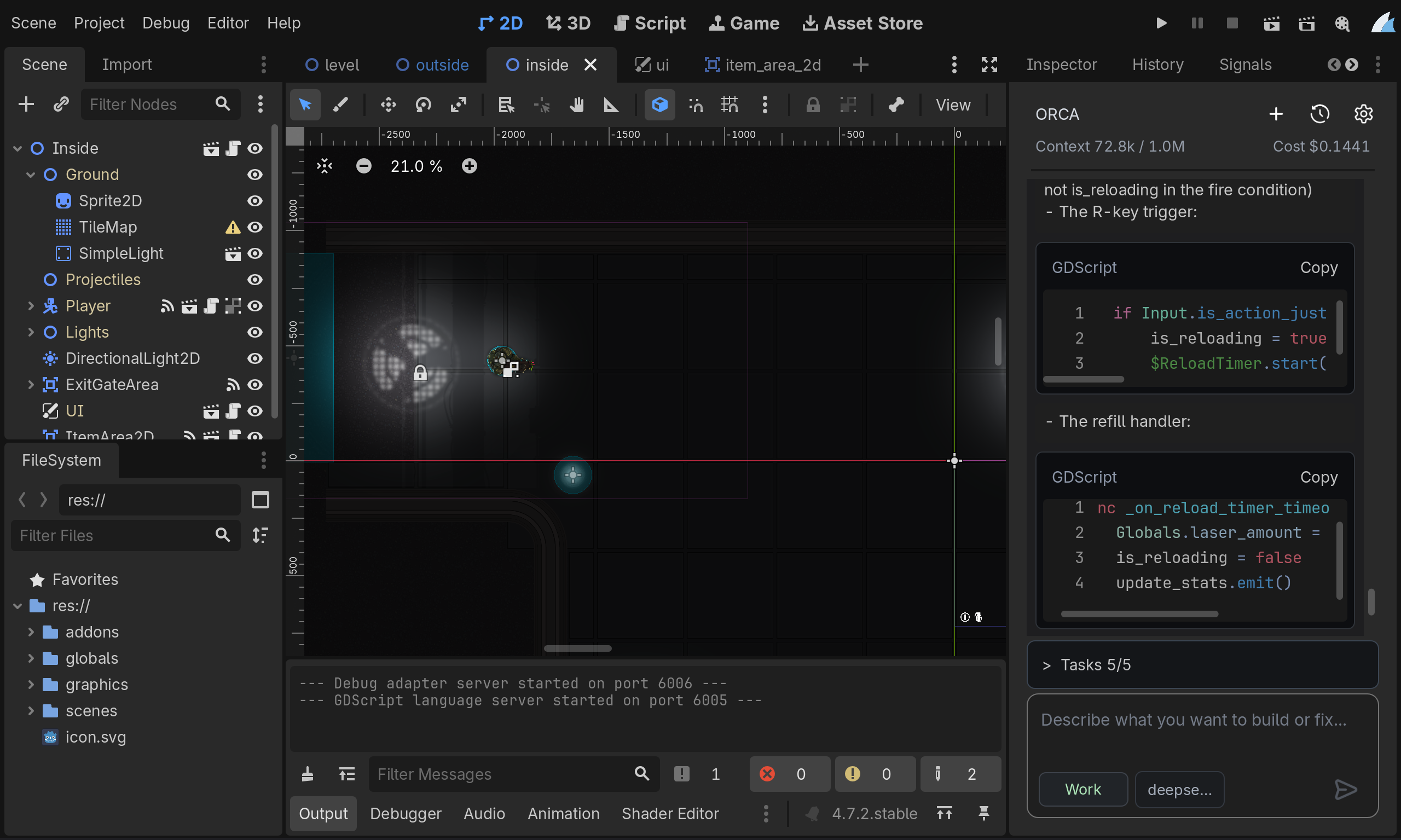
A lot of AI developer tooling competes on how quickly an agent can make changes. Orca AI Agent for Godot is more interesting because it treats review as part of the product. The agent can inspect a scene, propose an edit and validate what it can, but the developer remains the final write gate. For game projects, that matters more than it sounds. A syntactically valid script can still ruin serialized state, break a scene hierarchy or create a behavior that only fails after five minutes of play. Check the Orca AI Agent for Godot workflow and supported operations.
That philosophy also shows up in its boundaries. Structured scene operations intentionally support a constrained set of nodes, values, dependencies and signals instead of pretending the model can safely mutate every possible Godot object. Script attach and detach operations include an explicit Trust and Prepare step because Godot may execute project code while building a candidate. The project calls that informed consent, not sandboxing, which is exactly the distinction developers should want an AI tool to make. Read the official Orca limitations and trust notes.
It supports several model providers, but your project data can leave the editor
Orca AI Agent for Godot currently supports OpenAI, Gemini, xAI, DeepSeek, OpenRouter and custom OpenAI-compatible endpoints through a Chat Completions transport. That is useful for teams that do not want to be locked into one model vendor. It also means privacy depends partly on the provider you select. Orca’s documentation states that prompts, relevant editor context and project content returned by its tools may be sent to that provider to answer your request. Review Orca’s provider and data-handling documentation.
There is another caveat worth reading before pasting a production key. API credentials are saved through Godot Editor Settings, while session history is stored locally as plaintext JSON under Godot’s user storage. The project explicitly says neither mechanism is an encrypted OS credential vault. If you are working on confidential code or using a valuable API key, treat that as a real security consideration rather than a footnote. Check Orca’s security notes before connecting a model provider.
Godot-aware context is more useful than generic file editing
The plugin is not just a chat box that happens to sit beside Godot. Orca AI Agent for Godot includes Godot-specific inspection tools for saved scenes, selected settings, reflected ClassDB signatures, focused GDScript functions and serialized resource dependencies. It can also use a bounded root AGENTS.md and project skill catalog as request-scoped guidance, letting a team teach the agent project rules without turning that guidance into permanent conversation history. Explore the current Orca feature list on GitHub.
That makes the project particularly interesting next to the increasingly crowded Unity and Unreal agent space. We recently covered Nwiro AI Pro’s UE5 agent workflow; Orca attacks the same broad desire for engine-aware AI from a very different angle, with explicit approval gates and an open MIT codebase. The competition here is no longer “AI can write GDScript.” The useful question is whether an agent understands enough of the editor to make changes without turning your project into archaeology. See Orca AI Agent for Godot in the asset library.
The limitations are unusually honest
Orca AI Agent for Godot does not claim its runtime checks prove a game is visually or mechanically correct. Its verification is limited to bounded process output and predefined startup or exit criteria. Pending approvals and revert checkpoints also do not survive an editor or plugin restart. Dynamic resource loading is not fully discoverable through its saved-resource dependency tools, and custom compatible providers may expose incomplete model metadata. Read the official Orca limitations before relying on its validation.
Those caveats make this feel more credible, not less. An AI agent that tells developers exactly where its confidence ends is easier to place inside a real workflow. Still, version 1.1.1 is early software, the ecosystem is young, and a safety-oriented agent is not a substitute for Git, backups, code review or actually playing the game after a change. The project itself says the same thing. Inspect Orca AI Agent for Godot and decide whether the current build fits your project.
Who should try Orca right now?
If you are already using Godot 4.7.2, have a provider API key and want an AI assistant that behaves more like a cautious junior developer than an unsupervised demolition crew, Orca AI Agent for Godot is worth testing on a branch or disposable project first. Plan mode alone could be useful for project inspection, while Work mode gives you a chance to review proposed edits before they land. Open the Orca AI Agent for Godot listing and review the install steps.
If you need an agent that can autonomously refactor huge projects while you disappear for lunch, this is deliberately not that product. Orca’s safety rails trade some autonomy for visibility and control. For many game developers, especially anyone who has watched an AI confidently “fix” the wrong scene at 2 AM, that may be the better trade. Visit the official Orca GitHub repository for the latest release and source.
Official sources
Orca AI Agent for Godot asset listing
cold-atom/Orca official GitHub repository

