BRG Instanced Renderer may be relevant when repeated meshes or terrain details create a rendering bottleneck, but the first decision is compatibility. The current US$99.99 per-seat listing supports URP and HDRP, not the Built-in Render Pipeline. It lists version 1.5.7, dated September 19. This is a current project-fit guide, not an October 23 product-launch announcement.
Checked October 23, 2026. We have not installed or benchmarked the package. Claims about exceptional speed, hitch-free streaming and shader compatibility remain the publisher’s claims.
1. Match BRG Instanced Renderer to the exact project
The Asset Store compatibility row is specifically Unity 6000.3.19f1: Built-in incompatible, URP compatible and HDRP compatible. The publisher’s overview gives a broader minimum of Unity 6 or later, URP or HDRP and a compute-capable graphics API/device. Keep that stated minimum separate from the single compatibility row.
Neither establishes a successful test of your exact point release, renderer features and shaders. The listing also makes broader Unity-version claims, including alpha coverage; that is not a reason to move a production project to an alpha. Record the stable editor, render-pipeline package and target API you actually intend to ship.
2. Read the platform qualifications before committing
The documentation lists tested combinations across desktop GPUs, Apple hardware, Quest, Android and PS5. It explicitly says Xbox and Nintendo Switch rendering is untested. Do not turn “should work” into guaranteed console support, or assume a result from one vendor/API combination transfers to every device in the same family.
Qualcomm Adreno hardware needs the supplied URP shader patch described in the official overview, which points to its mobile setup guide. The documentation includes Quest in that qualification. Account for that integration step and retest it when your renderer package changes.
3. Establish whether instancing addresses your bottleneck
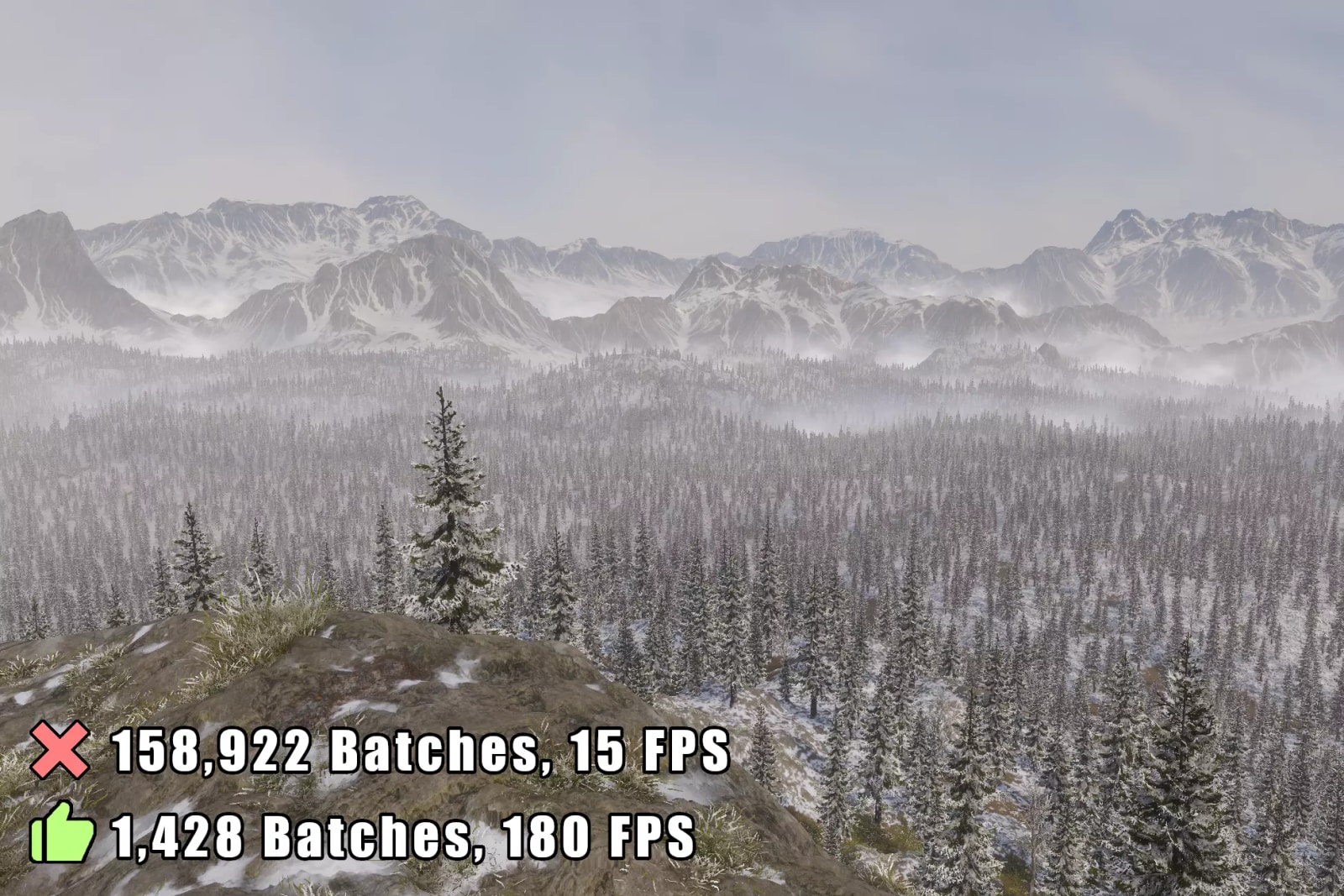
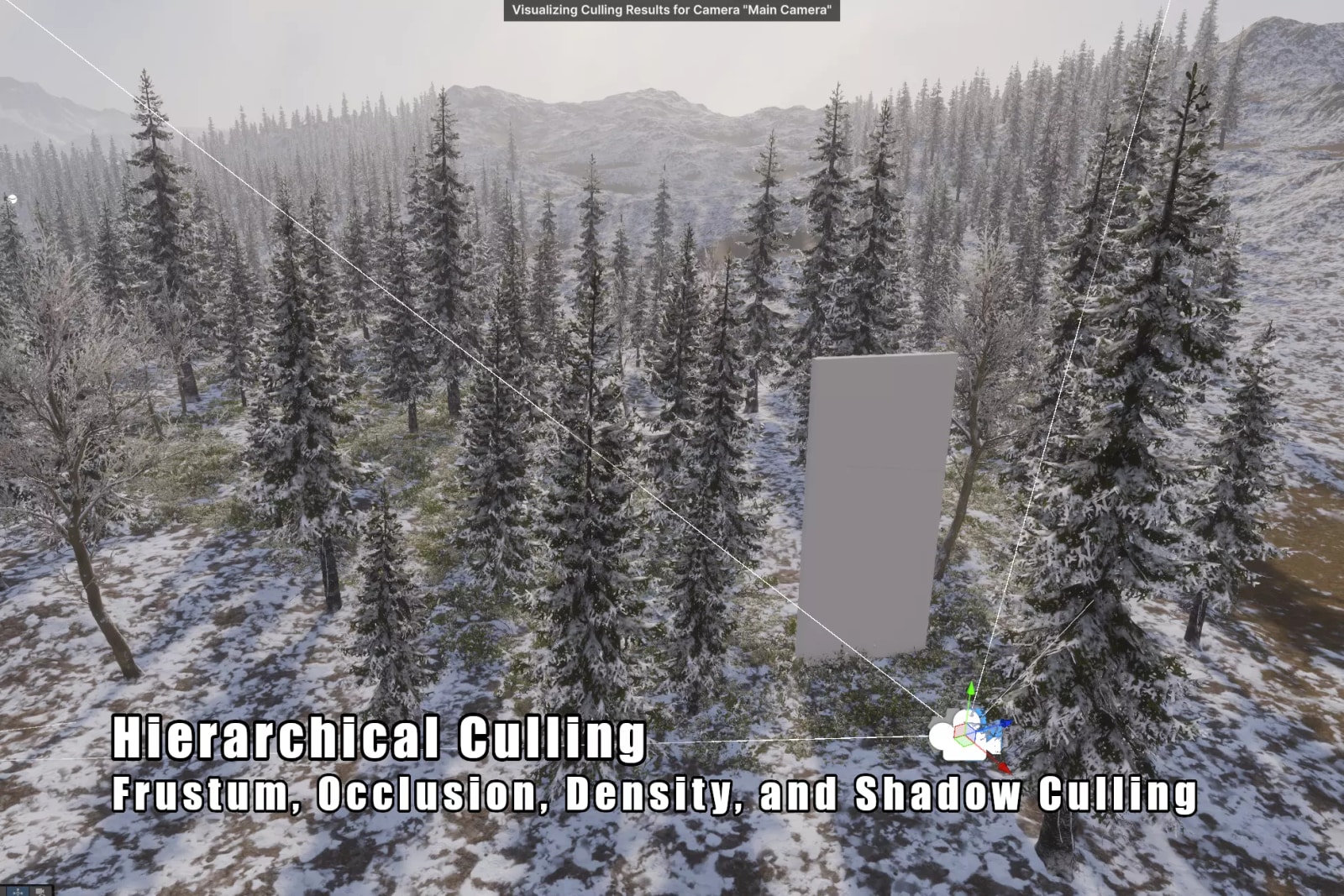
The publisher describes a Batch Renderer Group Indirect API implementation, culling, LOD handling, terrain-detail streaming and controls for shadows and instance density. Those features are reasons to investigate a scene with many repeated meshes. They do not establish that instancing is the cause of your current slow frame.
Before deciding whether to purchase, profile your existing project using the same camera path and scene state on representative target hardware. These baseline checks do not require this package. Record CPU and GPU frame time, memory, loading or streaming spikes and visible LOD/shadow behavior. Keep resolution and quality settings stable. A drop in draw calls is useful evidence, but frame time and visual correctness determine whether the change helps your game.
4. Check integration costs as well as the price
The store labels this an Extension Asset under the Standard Unity Asset Store EULA, with a displayed price of US$99.99 per seat before tax. Review the EULA’s seat and contractor terms for the people who will use it. We observed no sale deadline and have not tested checkout, discounts or account-specific entitlements.
Plan a small scene that exercises your real terrain, moving instances, multiple cameras, lighting and shaders where relevant. The publisher advertises broad shader support and low-friction conversion, but custom integrations still deserve verification.
5. Define adoption checks before purchasing
Write down the acceptance checks before spending. Package integration testing comes after legitimate acquisition: compare the same scene before and after a controlled integration in an isolated project, including its worst camera angle and a target build. Check missing objects, negative scale, motion vectors, LOD transitions and shadows alongside timing.
The package is a stronger candidate when the documented pipeline/device requirements match and a measured rendering bottleneck aligns with its purpose. If those conditions remain unknown, resolve them before committing the team. Begin with the publisher’s requirements and setup links; find related workflow coverage in our game-development section.
Sources and verification
- Exact BRG Instanced Renderer listing
- Publisher overview, requirements and platform qualifications
- Unity Asset Store EULA
Images: official Milk_Drinker01 product illustrations. All rights remain with their respective owners.