Mold evaluation can start with its new Unity browser demo before you choose a commercial license. Mold is a real-time vector graphics library for procedural 2D and 3D geometry. Its free noncommercial package offers the same functionality as the paid version, according to the developer.
DK Liao announced the browser-playable Unity sample scenes on October 24. That is the new evaluation option. The store package is version 1.0.4, released October 15; the announcement does not establish a new package version today.
Mold evaluation: browser demo or project package?
Use the browser demo to inspect the sample scenes’ visual direction and interactions. It can answer whether the geometric style is relevant to your project without first importing another dependency.
For an integration decision, the official itch.io page lists a free MoldUnity-v1.0.4-NonCommercial.zip download. It separately lists Godot C# and GDScript packages, so select the engine and language you actually use.
A browser sample cannot establish performance in your build, with your content and on your lowest target device. The developer’s FAQ explicitly makes performance dependent on the project and its rendering budget. Treat the demo as an initial visual check, then measure a representative project scene.
Mold evaluation: check the license and compatibility
The store description and FAQ say the free noncommercial and paid versions have no functional difference. The distinction is the license. Free evaluation therefore does not establish permission for commercial shipping.
The Unity Asset Store currently lists Mold at US$80 per seat before tax, with the store currency set to USD, under an Extension Asset license. Check the current license and seat requirements for the intended project before paying or distributing a build.
The compatibility table marks Built-in, URP and HDRP compatible for Unity 6000.6.0f1, 6000.3.21f1 and 6000.0.82f1. Those are the versions named in the listing. Confirm your actual editor, render pipeline and target platform in a project copy before adopting the tool.
Check these boundaries before replacing another tool
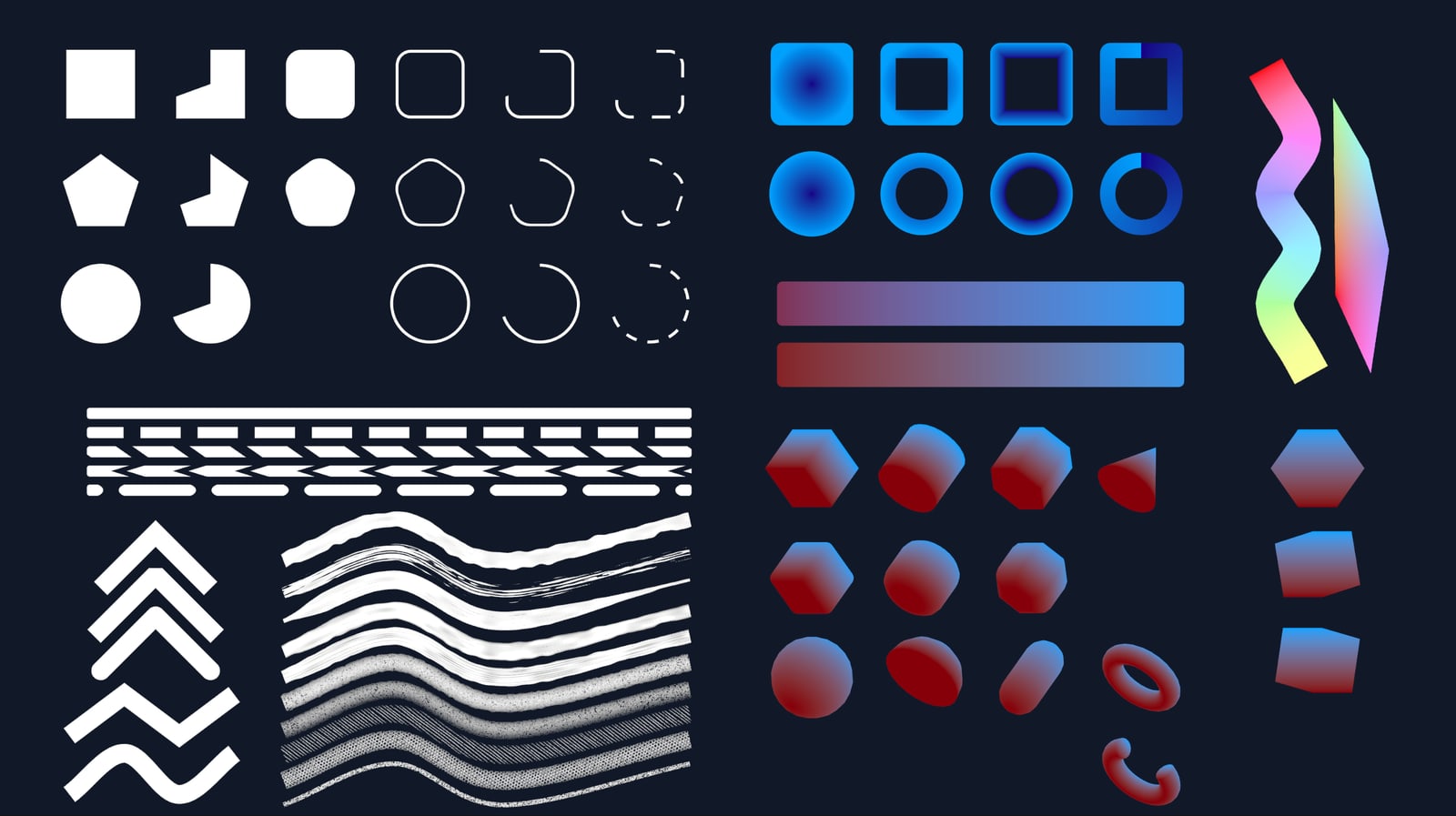
- Procedural geometry: Mold provides shapes, polygons, lines and curves. The developer says it is not an SVG rendering tool, so an SVG-import requirement needs a separate solution.
- Unity UI: Dedicated uGUI support is listed. The itch.io description says there is currently no plan for UI Toolkit support. Existing UI Toolkit screens therefore need a deliberate integration decision.
- Rendering controls: The library exposes options such as custom shaders, GPU culling, LOD and transparency backends. Check the options you need rather than assuming the default configuration is the right budget.
- Color blending: The developer identifies a performance cost for Oklab blending. Include your chosen blending mode in a representative test.

A useful project test has a concrete pass condition
Choose one screen or effect your team needs: a procedural HUD element, an animated line or a group of 3D primitives. Recreate its expected object count, update rate and transparency overlap in a project copy.
Compare the visual result and frame time in a build on the intended device. Also check authoring effort and whether your UI or shader requirements fit the supplied workflow. These checks produce a more useful decision than a performance claim taken from a different game.
If your current tool already meets those requirements, the browser demo can remain a low-commitment comparison. Mold’s feature list alone does not establish a reason to replace a working dependency.
Next step: start your Mold evaluation with the official demo and noncommercial package links, then compare the measured result and license requirements with the current Unity listing. Sources checked October 24, 2026; no independent benchmark is claimed.