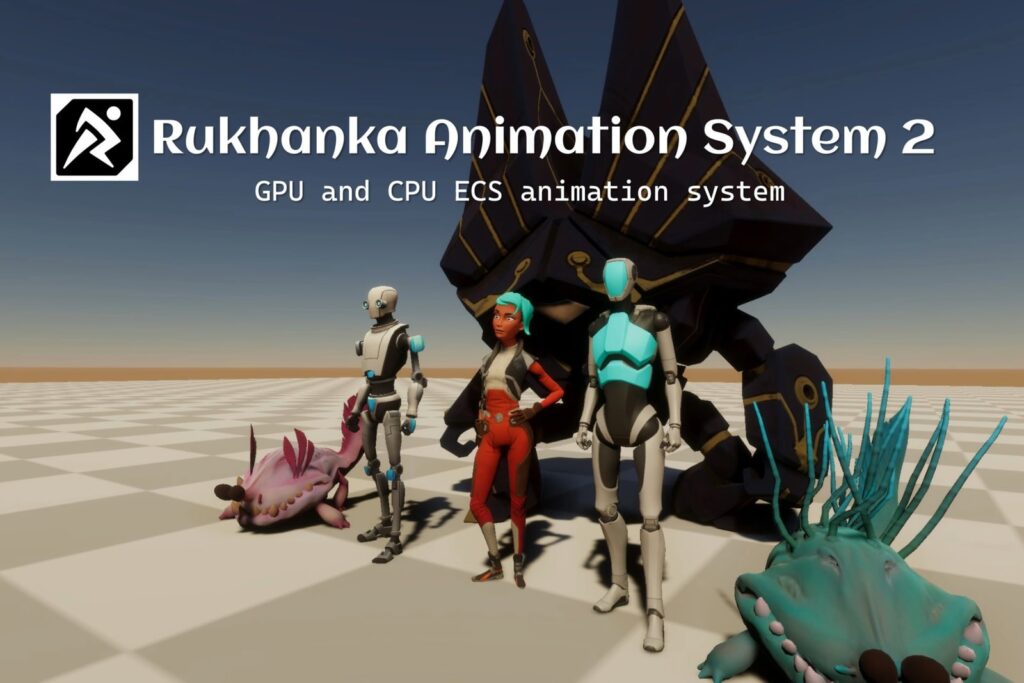
Rukhanka 2.10 adds a procedural leg animator, but upgrading an existing ECS animation project also requires a SubScene rebake. The October 23 release of Rukhanka Animation System 2 changes how skinned renderers use Entities Graphics mesh data. Check that migration before dropping the new walker into a production scene.
The developer’s 2.10.0 announcement and upgrade guide provide the practical boundaries. The new leg animator uses CPU rigs and authored stepping targets; it does not perform terrain raycasts.
Rukhanka 2.10: check your project fit
Rukhanka is an ECS animation system that converts familiar Unity animation authoring data into its runtime structures. It requires Entities and Entities Graphics. It is a substantial project dependency, so evaluate the package against your existing rig and rendering setup.
The current Asset Store listing shows version 2.10.0, an October 23 release and US$120 per seat before tax, with the store currency set to USD. Its compatibility row names Unity 6000.6.7f1, marks URP and HDRP compatible, and marks Built-in incompatible. A versioned table is a useful starting point, rather than a certification of every editor or package combination.
The listing also identifies an Extension Asset license. Check the current store terms and the seats your team needs before a purchase. The package’s CPU and GPU engines have different feature support, and legacy animations are listed as unsupported.
What the leg animator actually does
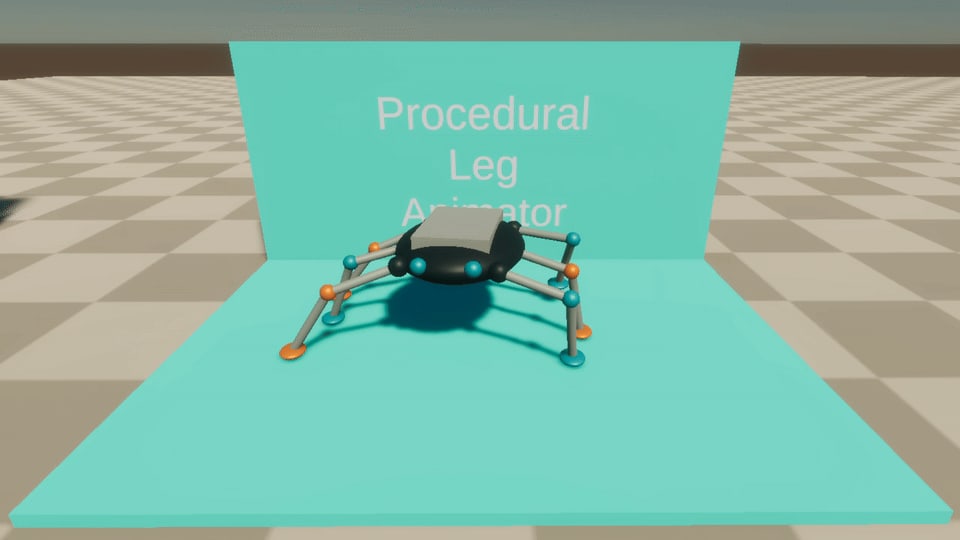
The official procedural animation guide says to add LegAnimatorAuthoring to the moving body and assign each leg’s TwoBoneIKAuthoring in its Legs array. Every leg needs a distinct, non-animated target and a CPU rig.
Even and odd array indices form alternating support groups. For a quadruped, diagonally opposite legs belong in the same group. The six-legged sample alternates the middle pair to create support tripods.
Step threshold, variation, duration and height control the gait. Planted targets remain fixed in world space as the body moves and turns. Because the animator uses the authored rest plane, evaluate uneven-ground behavior separately. Terrain-aware foot placement is not established by this feature alone.
Rukhanka 2.10: rebake and review custom mesh code
- Commit or back up the current project. Perform the upgrade in a working copy or branch that preserves the previous package and project state.
- Rebake existing SubScenes. The 2.10 migration moves skinned renderers onto the native Entities Graphics render mesh pipeline.
- Review mesh and material overrides. Custom code must resolve indices against the entity’s current
RenderMeshArray. An assumption that the mesh always occupies index zero is no longer valid. - Review custom pose code. The upgrade guide specifies
AnimationStream.Create(runtimeData, rigDefinition), current-frame CPU poses and no retained per-frame pose offsets.
Single-material renderers use direct indices. Multiple-material renderers use ranges unless One Entity Per Submesh is enabled. Check a representative modular character or equipment-swap case if your project modifies meshes at runtime.
Run a small acceptance scene first
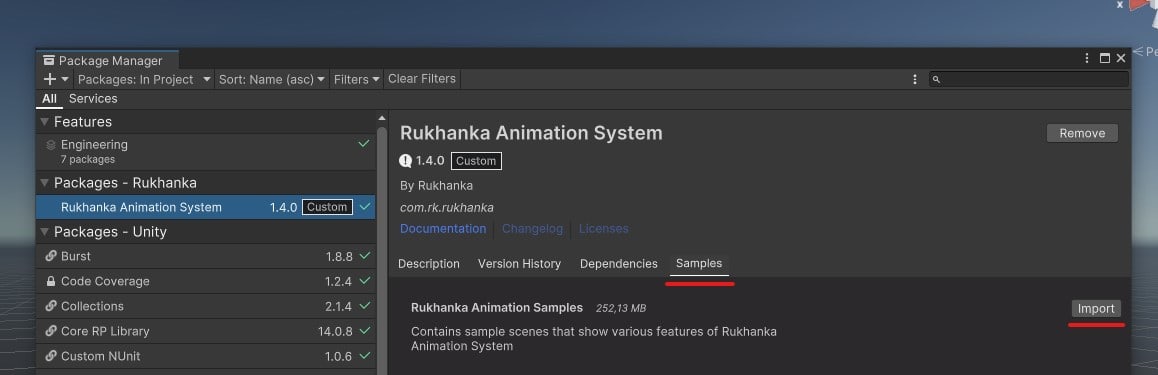
Start with sample 24’s Leg Animator stage, which exposes step distance, height, duration and body speed. Then test one of your own rigs with turning, pausing and the animation features it actually uses. Include the custom overrides affected by the migration in that same test.
The release lists Unity 7 and Unity 6.7 compatibility fixes, but that does not turn an existing project into a reason to change editor versions simultaneously. Keep the editor and package changes attributable, and use the feature support tables to check required behavior.
Next step: read the Rukhanka 2.10 upgrade section, then evaluate the walker on a CPU rig before merging the package update. Listing and documentation checked October 24, 2026; no independent performance benchmark is claimed.