
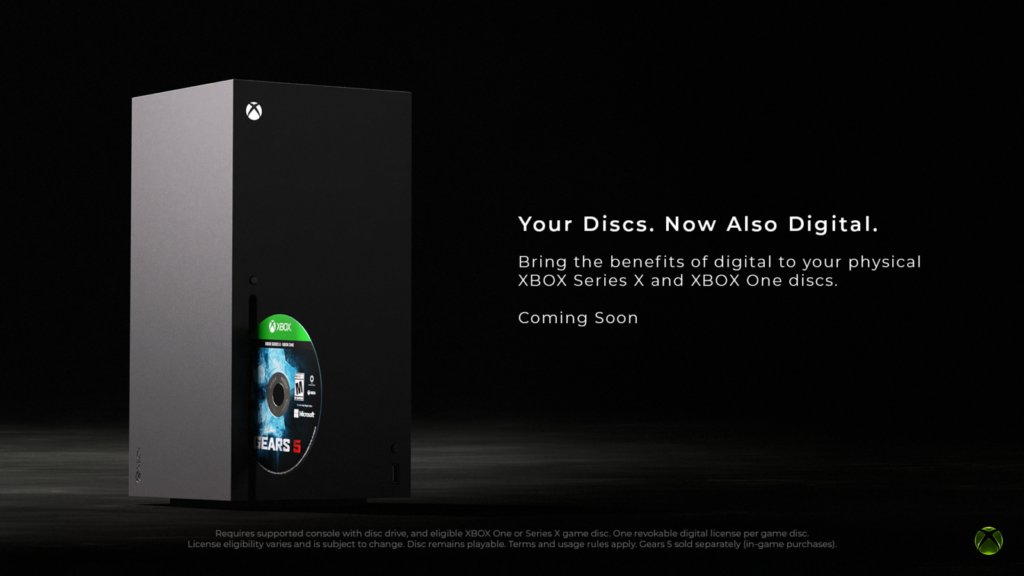
Xbox Disc to Digital is rolling out beyond Insider testing, giving owners of eligible Xbox One and Xbox Series X discs a digital entitlement after inserting and launching a supported game. Microsoft says the goal is to bring digital-library convenience to physical collections. Read Xbox’s official Disc to Digital announcement.
This is part of a broader push to make the Xbox library behave more consistently across physical and digital ownership. If you are following the platform more broadly, our Minecraft Dungeons II release guide is another recent Xbox-focused piece. Open Xbox’s Disc to Digital announcement.
1. Most Xbox One and Series X discs are the target
Microsoft says Xbox Disc to Digital supports most Xbox One and Xbox Series X disc-based games, with thousands of titles included. Not every game qualifies, so compatibility remains title-specific and licensing can still get in the way. Check the official Xbox announcement.
2. The claim process starts with the physical disc
To use Xbox Disc to Digital, insert a supported disc into an Xbox One or Xbox Series X console and launch the game while signed into your account. The system can then grant the related digital entitlement. That makes the disc the proof that unlocks the convenience layer. See Microsoft’s Disc to Digital explanation.
3. The physical disc still works normally
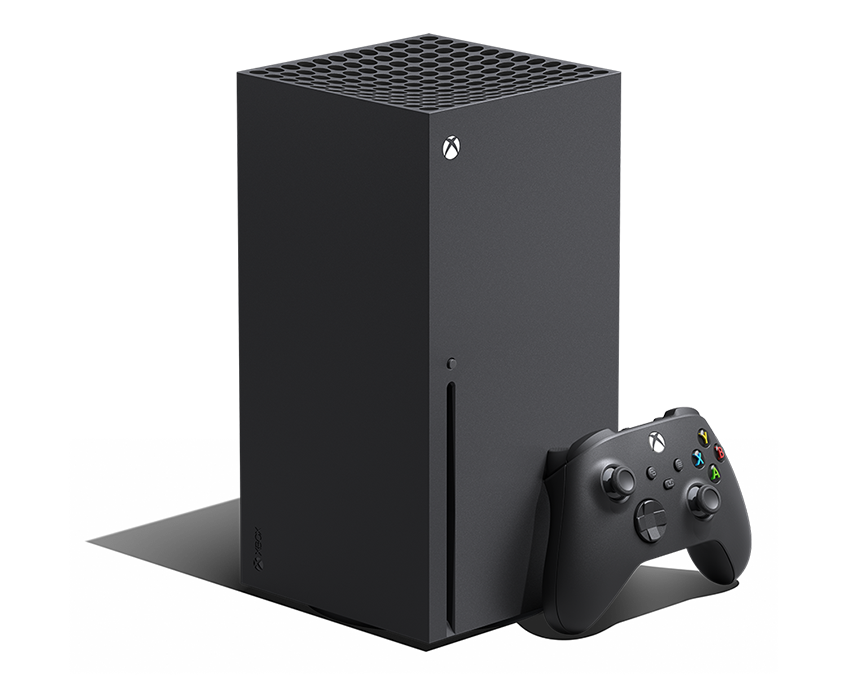
Microsoft explicitly says the physical disc continues to work exactly as it always has after the Xbox Disc to Digital entitlement is claimed. The program is meant to add flexibility rather than disable the original media, which is important for collectors who still want to keep using the disc itself. Read Xbox’s ownership explanation.
4. Play Anywhere can make supported games more useful
Microsoft says Xbox Disc to Digital can bring benefits such as Xbox Play Anywhere and Xbox Cloud Gaming where the specific game already supports those systems. The entitlement does not magically add features that a title never had, but it can make a compatible physical purchase much more flexible across devices. See the official feature description.
5. Compatibility is not universal
Licensing, publishing and technical factors mean some games are excluded from Xbox Disc to Digital. Community lists already track well over a thousand working titles, but Microsoft has not promised complete coverage. The safest assumption is that every game must be checked individually. Check Xbox’s current guidance.
6. The feature matters most for large physical libraries
If you own shelves of Xbox One and Series X games, Xbox Disc to Digital can reduce disc swapping and make supported titles easier to access across the Xbox ecosystem. That is the practical win, especially for players who regularly bounce between console, PC and cloud-supported experiences. Read more from Xbox.
7. Treat every game as an eligibility check
The safest approach with Xbox Disc to Digital is simple: insert the game and verify support before making assumptions. The program is broad, but not universal, and compatibility may grow over time as more publishers and titles are supported. Open the official Xbox Disc to Digital announcement.
Who benefits most from Xbox Disc to Digital?
Xbox Disc to Digital matters most for players who built large physical libraries during the Xbox One and Xbox Series X generations but now want the convenience of launching supported games more like a digital collection. It is especially useful for households that bounce between consoles, use remote or cloud features where supported, or simply hate swapping discs every time they revisit an older favorite. Read the official Xbox Disc to Digital details.
What Xbox Disc to Digital does not do
Xbox Disc to Digital does not mean every physical purchase suddenly becomes a universal entitlement with no limits. It does not guarantee support for every disc, and it does not automatically add features a game never had. The feature is still a major convenience win, but it is best understood as a library upgrade rather than magic. Check Xbox’s current Disc to Digital guidance.

