
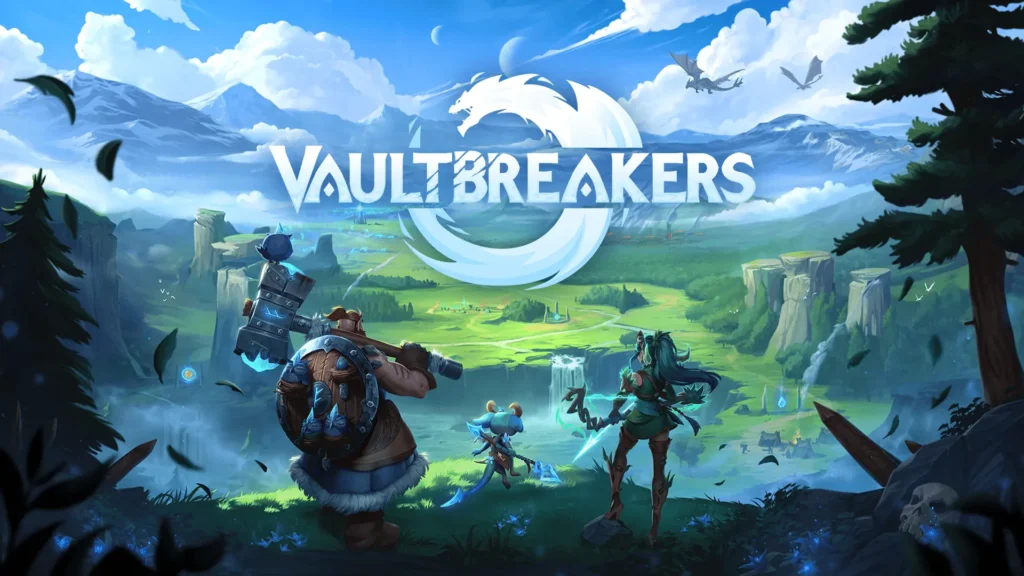
The Vaultbreakers demo is a free PvE sampler, not permanent access to the unrestricted PvPvE test. The official Steam demo lets you try BetaDwarf’s extraction RPG solo or with friends. Check the content limit and progression rules before investing an evening. A temporary Alpha Test advertised alongside the demo has its own deadline and broader content.
- Source-checked October 21, 2026. The Steam demo has an Install Demo option and an October 8 release date.
- Normal demo: PvE, two playable characters, part of Wolfswood and co-op with up to two friends.
- Most demo progress does not carry to launch; Legacy Points are the stated exception.
- Time-sensitive: the announcement ends the Alpha Test October 21 at 23:59 CEST, which is 17:59 EDT in Toronto. Recheck before relying on access.
1. Know where the Vaultbreakers demo stops
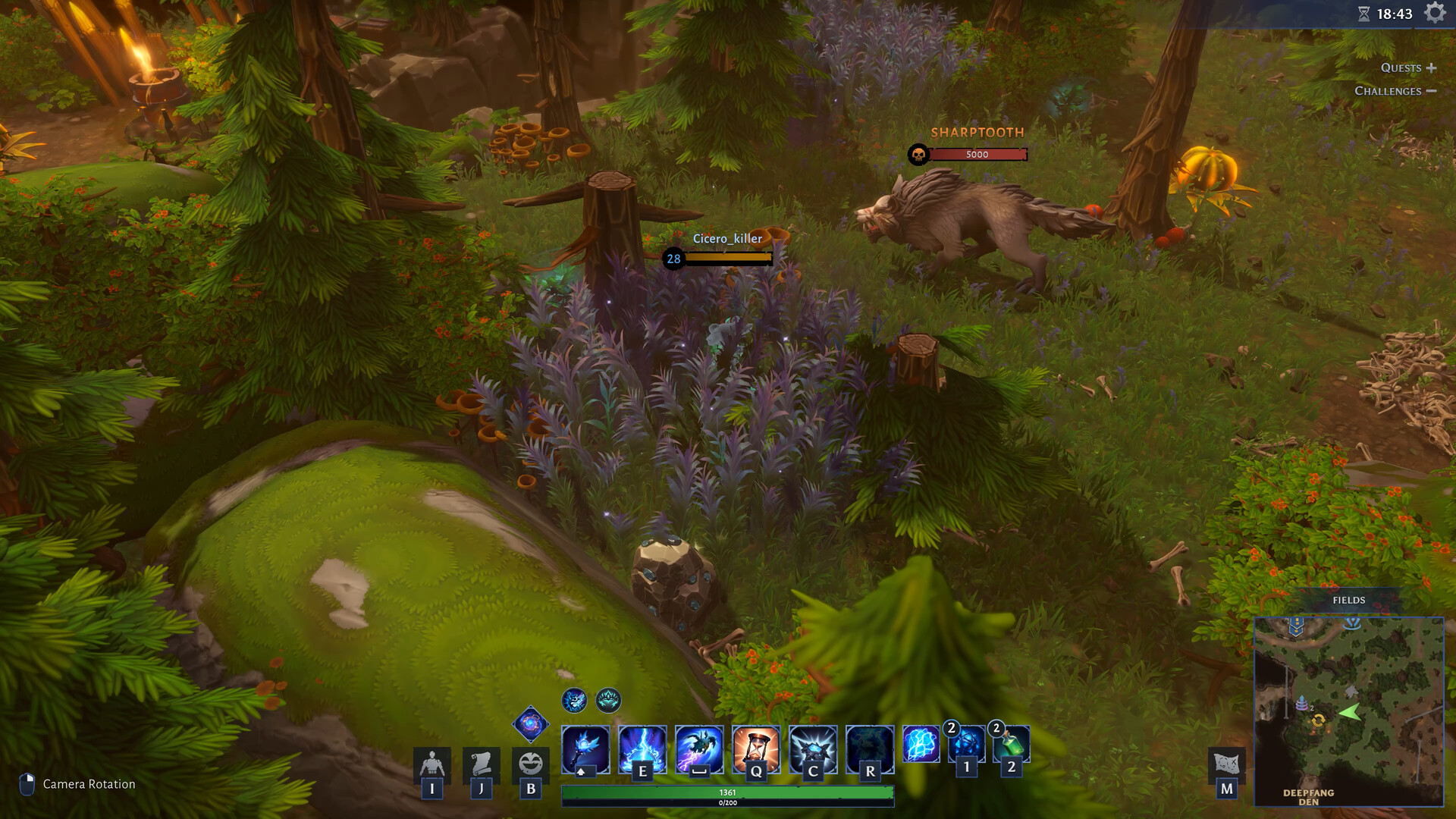
The demo listing describes core systems, two characters, an upgradable Haven, perks and part of the Wolfswood map. Its onboarding and main quests run to the first Vaultbreak. That is a focused sample of an extraction loop, not the entire campaign or a promise of an unlimited map.
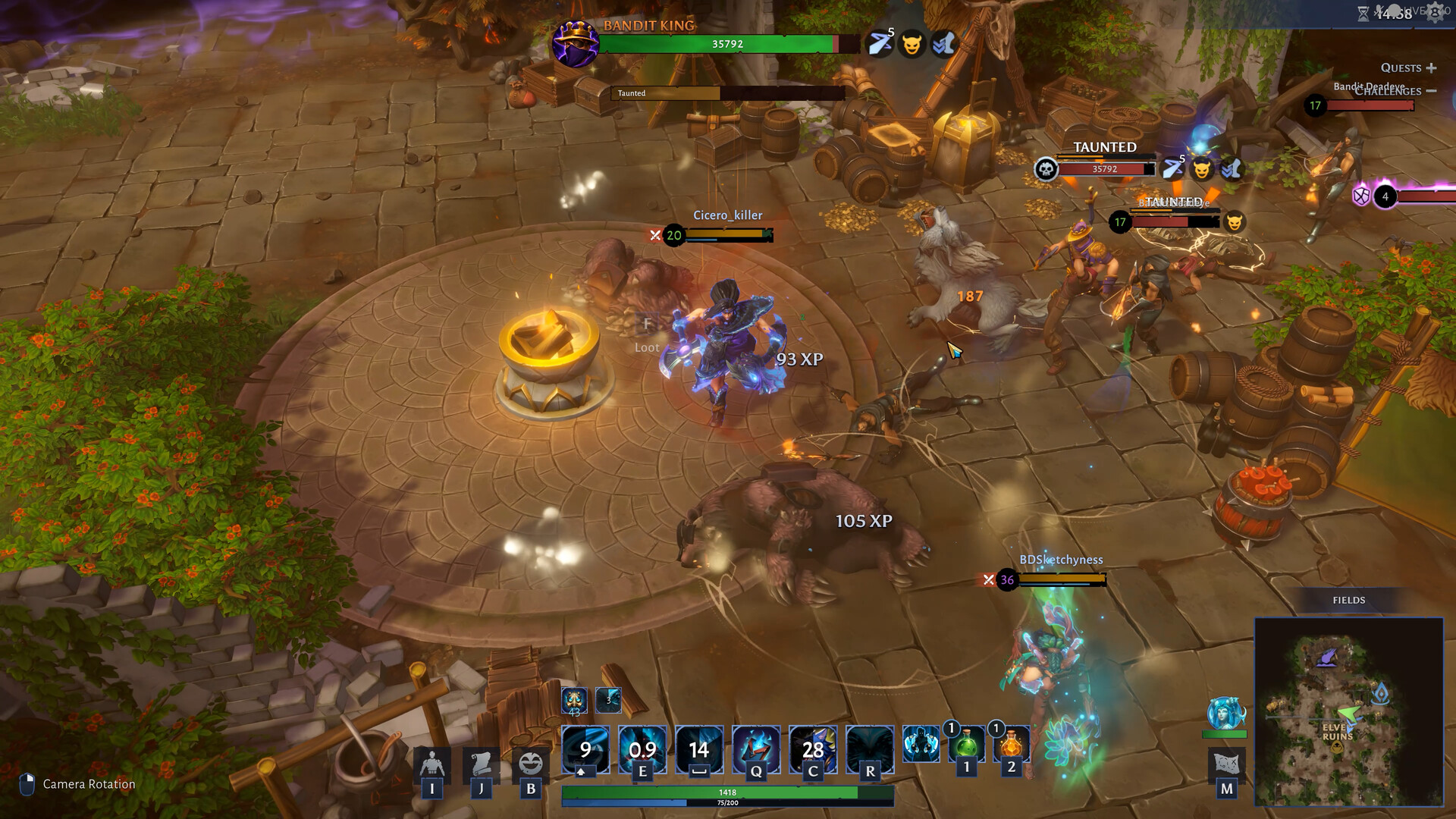
Use the sample to decide whether planning an expedition, choosing equipment and returning with loot appeal to you. Our suggested first-session question is whether you enjoy those decisions, not how quickly you can finish every available task. This is a reading of the official description, not an independent review of combat quality, matchmaking or stability.
2. Separate co-op from competitive access
For a group, the normal Vaultbreakers demo lists co-op with up to two friends, meaning a group of three including you. Its content description says PvE. Do not treat the broader Online PvP storefront feature label as proof that ordinary demo sessions always include competitive play.
The main game page describes a design with both PvE and PvPvE, while the temporary Alpha Test opens more of that design for testing. Before arranging a session, have everyone check the current build and the same event instructions. A demonstration of the future game’s modes is different from a guarantee that every mode is open whenever the free demo is installed.
3. Read the two different progress promises
The Steam description says demo progress will not carry to the full release, except Legacy Points, and warns that progress can reset before launch. The publisher announcement separately says progress from the demo carries into the Alpha Test. Those statements concern different destinations and do not contradict each other.
For the Vaultbreakers demo, treat launch progression and event progression as separate decisions. Do not assume a character level, item, Haven upgrade or completed quest will survive just because a point-based reward does. If a particular unlock matters to you, read the current challenge and reward wording in the game or official update rather than inferring an entitlement from a general promotional sentence.
4. Use the precise Alpha Test deadline
The demo storefront has a broad October 15 to October 22 banner. The developer’s announcement is more precise: the Alpha Test ends October 21 at 23:59 CEST. That corresponds to October 21 at 17:59 EDT in Toronto. Use the precise notice and check the current server or event information, especially near the cutoff.
After that deadline, do not assume the unrestricted test remains available. Check the official site and the calendar linked from the demo for another test. The normal Vaultbreakers demo and an event-specific opening should be evaluated separately. Installation availability alone does not establish that a particular online test is still running.
5. Check the current build before planning a longer session
Use the demo’s own system-requirement listing, not an old cached page for the main game. The live demo page currently lists Windows, DirectX 12, 12 GB minimum memory and 10 GB storage. These are listed requirements, not a performance guarantee for a particular machine or a Steam Deck compatibility verdict.
The official October patch notes are the next stop for changes affecting the demo and test. Compare your installed build with the current instructions before reporting a problem. Record the mode, character and trigger if something does not behave as expected, so a limited demo feature is not mistaken for a missing full-game entitlement.
Next step: open the exact demo page, read its current limitations and choose Install Demo if the sample fits your plans. The developer’s site currently aims for 2027 and says the launch model is planned to be premium, but subject to change. No full-release date, price, uninterrupted access or launch-progress guarantee is invented here. For another co-op tryout, see our Scramble Knights Online demo guide and check its separate availability. We have not played this build for this source-based guide.

