

Apex Legends RX 9070 crashes have a current official update to check. Apex’s live communications account says a new mainline AMD driver resolves crashes for 9070-series GPUs and links AMD Software: Adrenalin Edition 26.10.1 release notes, updated October 20. If you play Apex Legends on that hardware, verify your installed driver before chasing unrelated fixes.
Checked October 22, 2026. We have not installed or tested this driver.
1. Match Apex Legends RX 9070 crashes to your hardware
Read the graphics card model and installed AMD Software version from your system. The new Apex notice names 9070-series GPUs. It does not establish that a crash on an Nvidia card, an older Radeon generation or a console has the same cause. Also record whether the failure occurs at launch, during a match or after another action.
The package-specific requirements matter more than the generic installer page. AMD’s general installation reference includes older Windows 10 support, while the inspected 26.10.1 notes specify Windows 10 64-bit 21H2 or later. Check the actual release you intend to use and your particular Radeon model, rather than choosing a package from a version number alone.
Keep the software release label separate from the longer Windows Driver Store version. AMD lists both types of version information in its release notes. A number copied from the wrong field can make an otherwise useful report look like it is running a different package.
2. Separate the new notice from the older advisory
AMD’s PA-305 advisory describes a different, older version-specific case: intermittent Apex Legends or Starfield crashes on RX 9000 hardware with Adrenalin 26.8.1. That page says its issue was resolved in 26.9.1 and later, and mentions 26.9.1 or 26.9.2 as optional releases.
The current Apex communication instead links 26.10.1 and calls for the latest version. Do not turn the older page into a blanket recommendation to roll back every RX 9070 system. The 26.10.1 notes we inspected do not list Apex by name under Fixed Issues; the game-specific resolution statement comes from the official Apex account.
3. Use the official package for your system
Open the linked AMD release notes and check their hardware and operating-system compatibility before choosing a package. The 26.10.1 notes list RX 9070-series support and specify supported Windows versions. They also say laptop and all-in-one systems should prefer their manufacturer’s validated drivers, while handheld devices need device-specific OEM support.
Use AMD’s installation reference for its current procedure and possible installation errors. A crash investigation is not a reason to add optional software components, reset every setting or change firmware. This guide does not require a cleanup utility, a factory reset or disabling system protections.
4. Retest Apex Legends RX 9070 crashes after updating
After a driver change you choose to make through the appropriate official support route, complete its requested restart and re-check the installed version. Then retest the situation that triggered your Apex Legends RX 9070 crashes, keeping the same game settings. Use a low-stakes session first and note whether the original failure repeats.
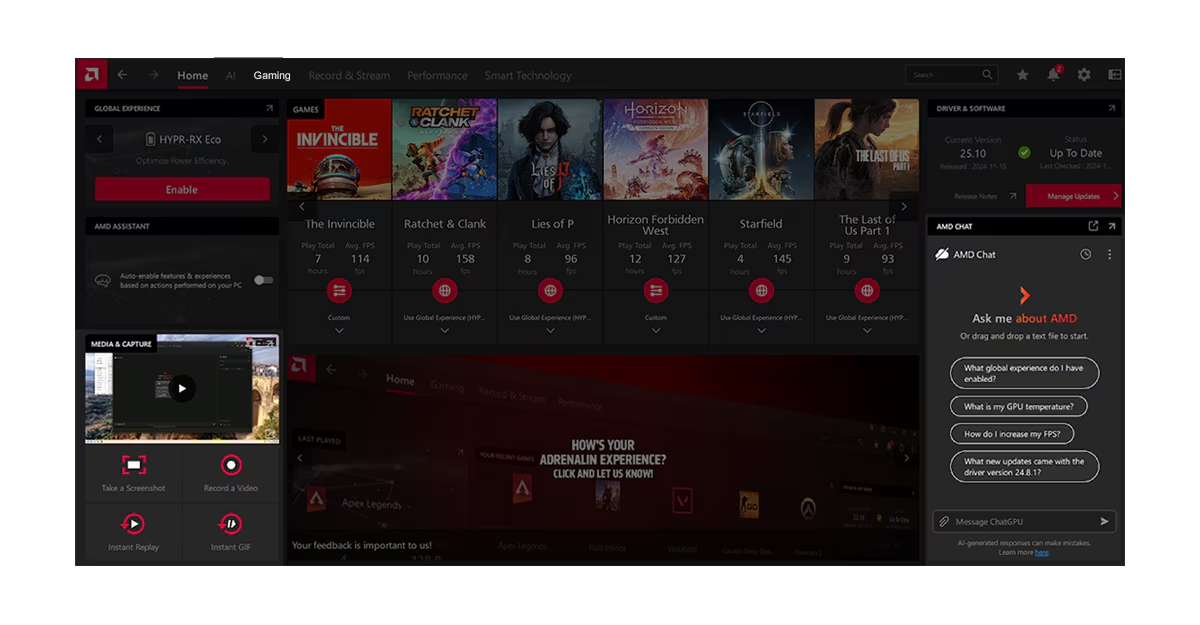
If the installer reports an error, record its number before another attempt. AMD’s installation page distinguishes Error 205, where Windows Update may have reverted the driver, from Error 206, a pending Windows update or installation. Follow the matching official help entry instead of assuming a failed installation is another Apex game crash.
Do not interpret a successful launch as proof that a long-session crash is gone. Equally, an unrelated frame-rate change does not establish that this particular defect caused every earlier problem. Keep the before-and-after trigger and result together.
5. If crashes continue, preserve useful evidence
For Apex Legends RX 9070 crashes that persist, write down the GPU model, AMD Software release, operating system, Apex version, exact error text and the steps immediately before the crash. Distinguish a game exit, a driver timeout and a full system shutdown. Those outcomes can need different support investigations, even if players describe all three as crashing.
One separate issue in the current AMD notes involves opening or closing another overlay, such as Xbox Game Bar, while AMD’s Performance Metrics Overlay is enabled. AMD recommends temporarily disabling its metrics overlay for that case. If your failure follows that trigger, record it separately rather than assuming the RX 9070 Apex notice covers it. This is a documented driver issue, not a confirmed diagnosis of your particular Apex crash.
Keep AMD’s remaining known issues in view: a new driver still documents unresolved problems in other games and configurations. Do not promise a universal fix based on one announcement. Our PC coverage keeps technical stories scoped to the affected game and platform; use the same discipline when comparing community reports.
Sources and verification
Images: EA and AMD official promotional and application-reference material.

