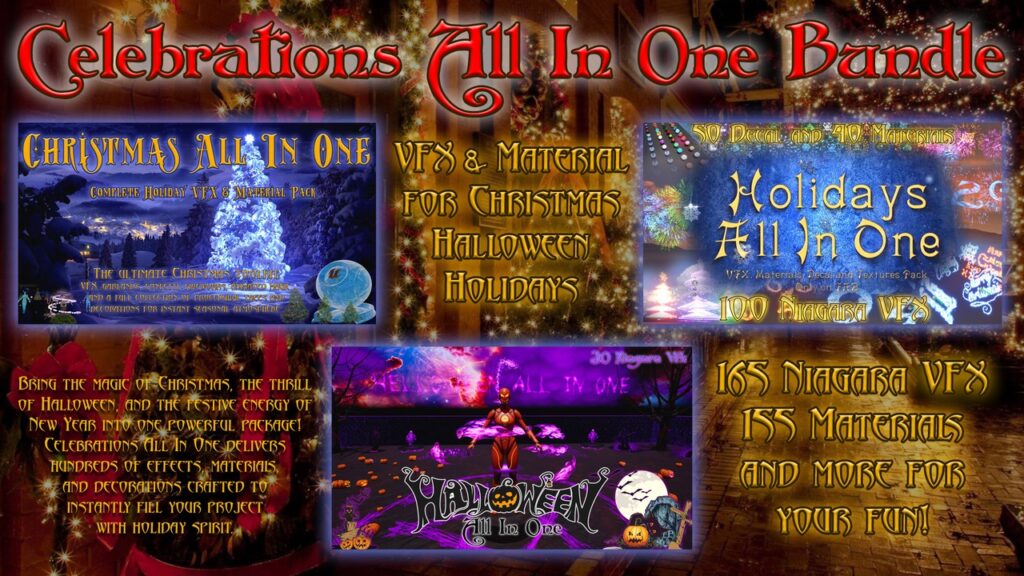
Celebrations All In One is currently a free Fab offer, but the real cost is integration. Pautinka’s Celebrations All In One Bundle combines seasonal Niagara effects, materials, decals and meshes. Before putting it into a live project, check the package version, visual fit and effects budget. The listing is a starting point for a decision, not a performance test.
- Checked October 21, 2026: the Personal offer displays Free under the Standard License.
- Fab advertises this limited-time batch until November 3 at 9:59 AM ET. Recheck the listing before claiming.
- Loaded compatibility fields list Unreal Engine 5.3 through 5.8 and an asset-package distribution.
- No purchase, claim, installation or hands-on performance test was performed for this guide.
1. Decide what Celebrations All In One would replace
The publisher’s description covers winter decorations, holiday fireworks and Halloween effects. Examples include snow footprints, configurable pumpkins, ghosts, skeletons, confetti and decals. Those are claimed package contents, not evidence that each item is ready for your own game’s systems.
Write down the actual production need first: a seasonal menu effect, a controlled cinematic or a repeatable gameplay decoration. Choose one effect to evaluate against that need. If the project already has an equivalent, replacing it should solve a concrete problem rather than adding another dependency simply because the download is free.
2. Check the package version before import
The currently loaded listing fields show Unreal Engine 5.3 through 5.8. Keep that explicit range separate from the description’s broader 5.3+ wording. Confirm the file offered for your engine version and the target-platform information in the live listing before planning the integration.
Our recommendation for Celebrations All In One is a separate test project or branch before a production import. Check missing-plugin messages, materials, example maps and the specific assets you intend to use. A supported editor version is not a guarantee for every renderer, console, mobile device or custom build pipeline. Ask the publisher when your combination is not documented rather than assuming another engine’s format is included.
3. Measure the Niagara effect in its real context
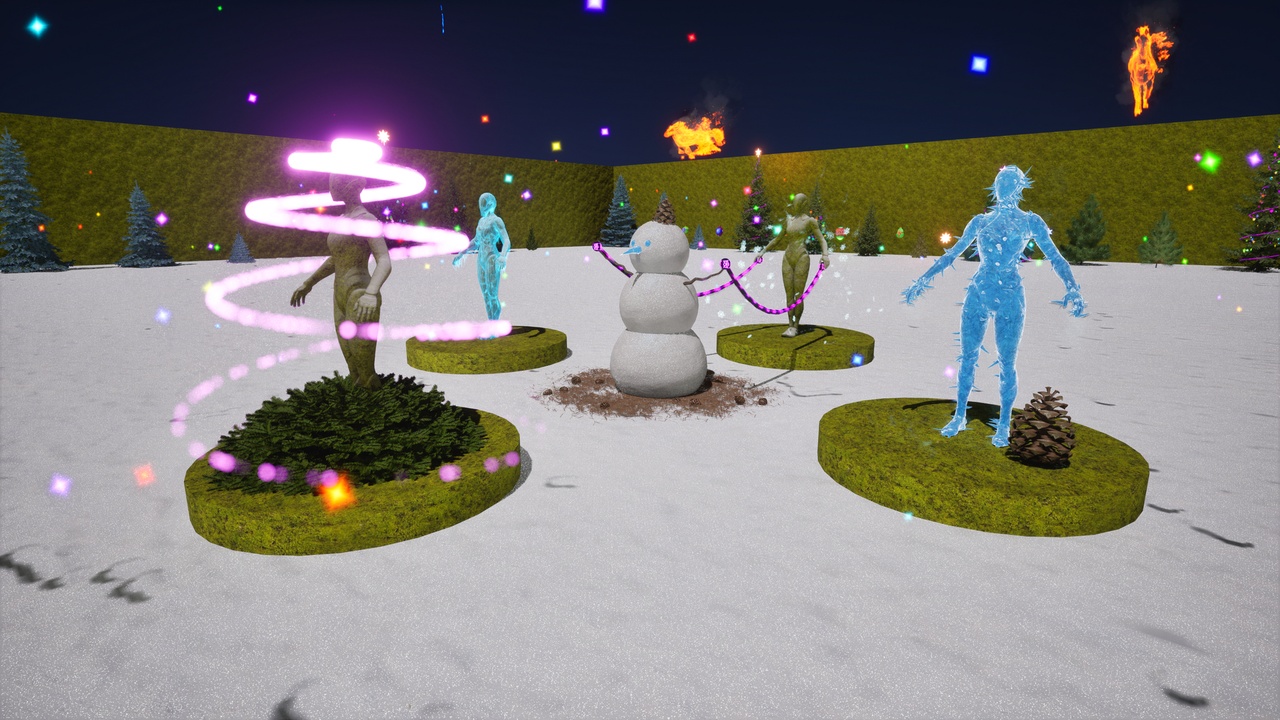
Epic’s Niagara scalability guidance explains why the number of system instances and emitters matters. CPU work can remain even when particles use GPU simulation. A small demonstration scene therefore cannot establish the cost of repeatedly spawning an effect in a busy level.
For Celebrations All In One, compare your scene without the effect, with one instance and with the maximum number your design could show. Use the intended camera, quality level and target hardware. This is a proposed evaluation, not a published frame-rate result. Keep visual clarity in the comparison: an inexpensive effect that hides an objective or makes a menu hard to read may still be the wrong effect.
4. Check culling and lifetime instead of trusting a showcase
The official Niagara Debugger documentation describes the Debug HUD, FX Outliner and performance tools. The outliner can inspect simulations in a device session or Play In Editor. Use the appropriate tool to see which systems are active, how many emitters or particles they contain and whether scalability is affecting them.
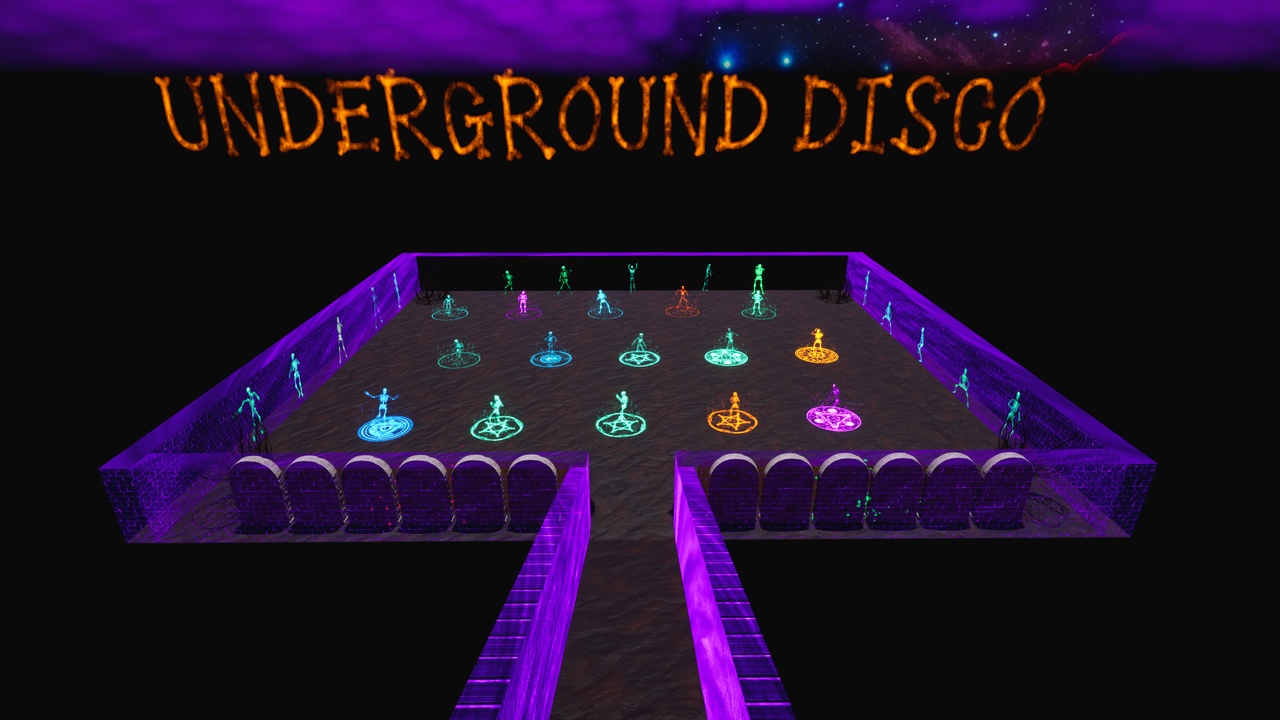
Our test recommendation is to enter and leave the area, change the viewing distance and repeat the triggering action. Confirm that an effect ends or is removed when your design expects it to. Record the build and settings beside any result. Celebrations All In One’s colourful showcase images are useful for visual selection, but they do not answer those project-specific questions.
5. Read the license and verify the final offer
The listing links the Fab Standard License. Its summary allows use of assets incorporated into projects and prohibits standalone redistribution. It also separates license rights from file-format compatibility. Read the binding terms and select the tier appropriate to your circumstances; free pricing does not mean the source assets become public domain.
Check that the item, selected license and final offer still say Free before completing your own claim. The Fab limited-time section states November 3 at 9:59 AM ET; no fixed UTC offset is substituted for that label. The offer can change, and this guide makes no claim about an unverified paid list price or tax total.
Next step: open the exact Celebrations All In One listing, inspect its compatibility and tutorial links, then evaluate one relevant effect in isolation. If you are comparing Unreal and Fortnite workflows, our Fab UEFN source-assets guide provides related context; this listing alone does not establish UEFN compatibility. Keep the decision tied to measured project needs, not the size of a promotional bundle.