
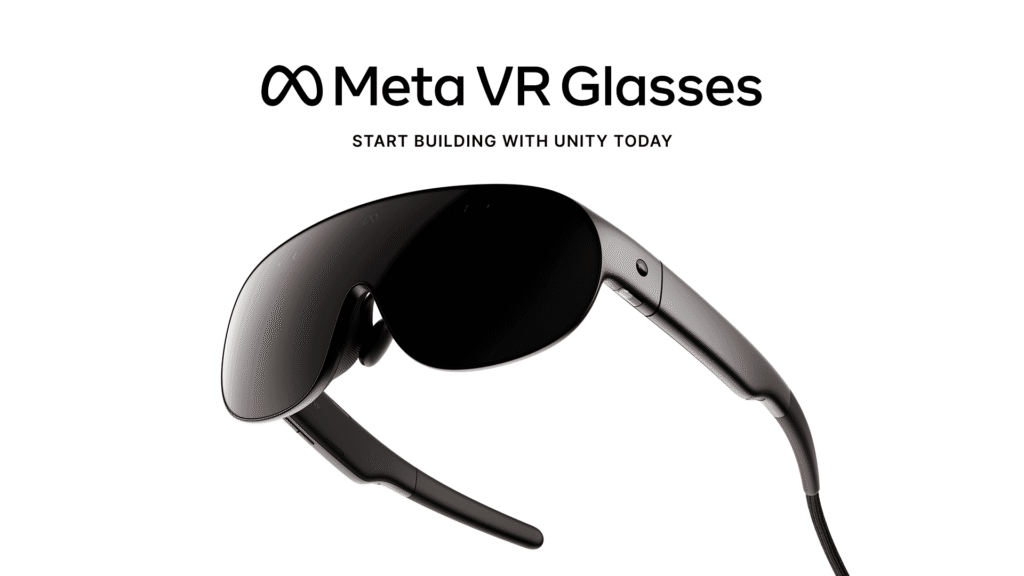
Unity 6.6 Meta VR Glasses support is already available even though Meta’s new hardware does not ship until spring 2027. Unity 6.6 uses OpenXR so existing Quest projects can carry forward with minimal changes, while developers can begin designing and testing around the glasses’ eye-and-hand-first interaction model now. That is the important part: this is not a promise to add support later. The toolchain exists before the device reaches retail. Read Unity’s official Meta VR Glasses development guide.
Meta says the device weighs about 100 grams and uses a tethered compute puck, while Unity highlights its 5K Infinite Display, hand and eye interaction, spatial audio and rendering features built around OpenXR. For studios already shipping on Quest, the question is less “Do we rewrite the project?” and more “Which interaction and performance assumptions need to change?” Read Meta’s official VR Glasses developer overview.
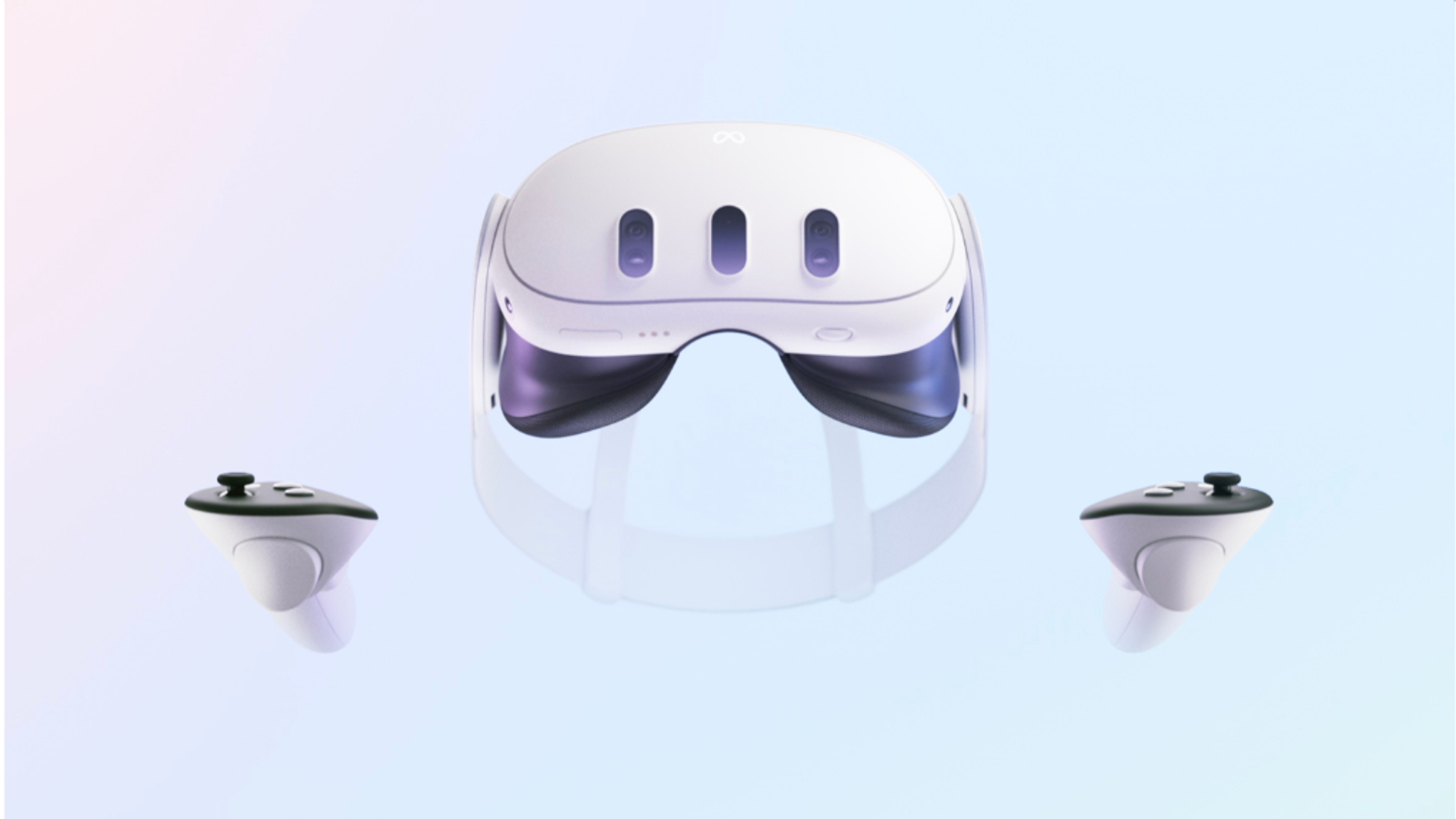
Unity 6.6 Meta VR Glasses support starts with OpenXR
Unity 6.6 supports Meta VR Glasses through OpenXR rather than requiring a completely separate renderer or proprietary project fork. Unity says existing Quest work should carry forward with minimal changes, using familiar systems including XR Interaction Toolkit, XR Hands and XR Interaction Simulator. For teams already maintaining Quest projects, that lowers the cost of simply evaluating the hardware. See Unity’s official OpenXR migration guidance.
The interaction model changes even if your project structure does not
Meta VR Glasses are controllerless by default. Eyes and hands are the primary input, although Meta Quest Touch Plus controllers remain supported separately. That means a Quest game can technically port while still feeling wrong if every menu, weapon and world interaction assumes a controller is always present. Developers should treat eye targeting, hand reach, gesture comfort and fallback controller paths as design questions, not just SDK checkboxes. Compare Meta VR Glasses and Quest input on Meta’s developer site.
Rendering is where the new hardware gets interesting
Unity 6.6 calls out foveated rendering and Quad Views Rendering as ways to reduce GPU cost by spending more detail where the user is actually looking. Meta’s published device comparison lists a 2412×2288 per-eye micro-OLED display, 120 Hz refresh rate and 70-degree horizontal field of view. The narrower field of view is a real design caveat compared with Quest 3, but eye tracking gives developers more information about where rendering effort matters. Check Meta’s official VR Glasses specifications.
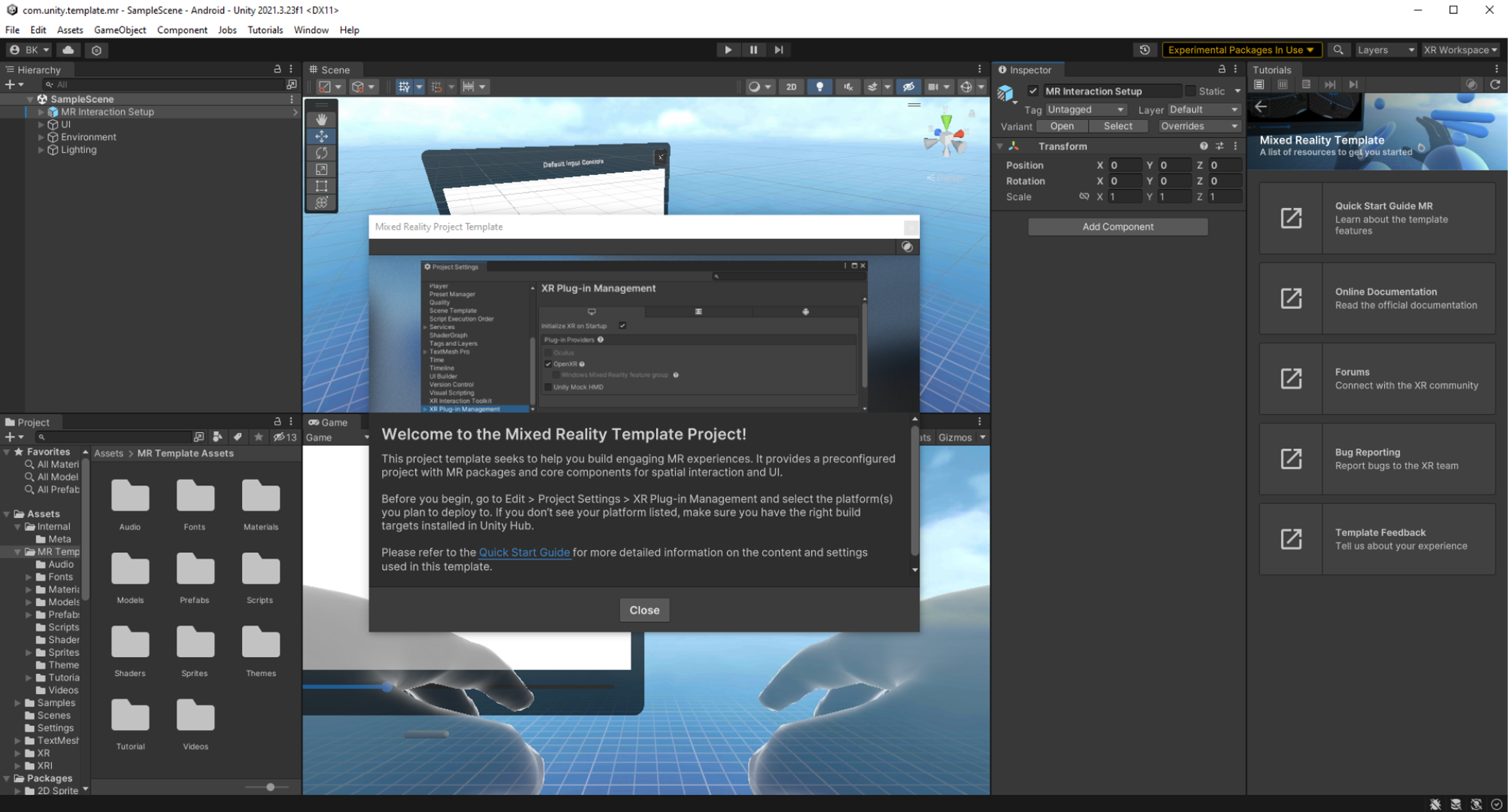
These are the package versions Unity currently recommends
Unity’s setup guidance calls for Meta OpenXR 2.6.1, AR Foundation 6.6.2 or newer, OpenXR Plugin 1.18.0 or newer, plus current XR Interaction Toolkit, XR Hands and XR Interaction Simulator packages. Those versions matter because testing against an older Quest stack and assuming behavior will match the glasses is exactly how migration bugs become launch-week emergencies. Check Unity’s current Meta VR Glasses package requirements.
Existing Quest projects should test comfort, UI scale and assumptions early
The hardware’s roughly 100-gram glasses form factor changes where people may use VR and how long they may tolerate an experience. A UI that was readable in a Quest headset may need another pass on a different display and field of view. Interactions designed around gripping Touch controllers may need visual feedback for hands. Spatial audio and room-aware mixed reality can also become stronger design tools when the device looks less like traditional VR hardware. Review Unity’s design considerations before porting a Quest project.
What should a Unity developer do now?
If you already have a Quest project, make a branch rather than rewriting the project. Move the branch to the recommended Unity 6.6 XR package versions, verify OpenXR, test every controller-dependent interaction with hands and eyes, then profile the heaviest scenes with foveated and Quad Views options in mind. If you are starting from scratch, build the interaction model around hands and gaze first and treat controllers as an optional enhancement. Start with Unity’s official Meta VR Glasses setup guide.
ZeroToBeast recently covered Unity 6.0 LTS support ending this month, so the timing is useful: teams already planning an editor upgrade can decide whether XR support should be part of that migration instead of doing two disruptive version changes. The caveat is that the hardware itself is not retail yet, so simulator testing does not replace final-device performance and comfort testing. Follow Unity’s Meta VR Glasses updates as hardware launch approaches.
Sources and official links
Unity version requirements, OpenXR support, interaction tooling and rendering features were verified against Unity’s September 24 developer post. Hardware timing and specifications were cross-checked against Meta’s developer documentation. Open Unity’s official Meta VR Glasses article.

